
01
Epilepsy and seizure-like movement monitoring
Support overnight awareness when repetitive or unusual movement may need caregiver attention, without claiming to diagnose a seizure.
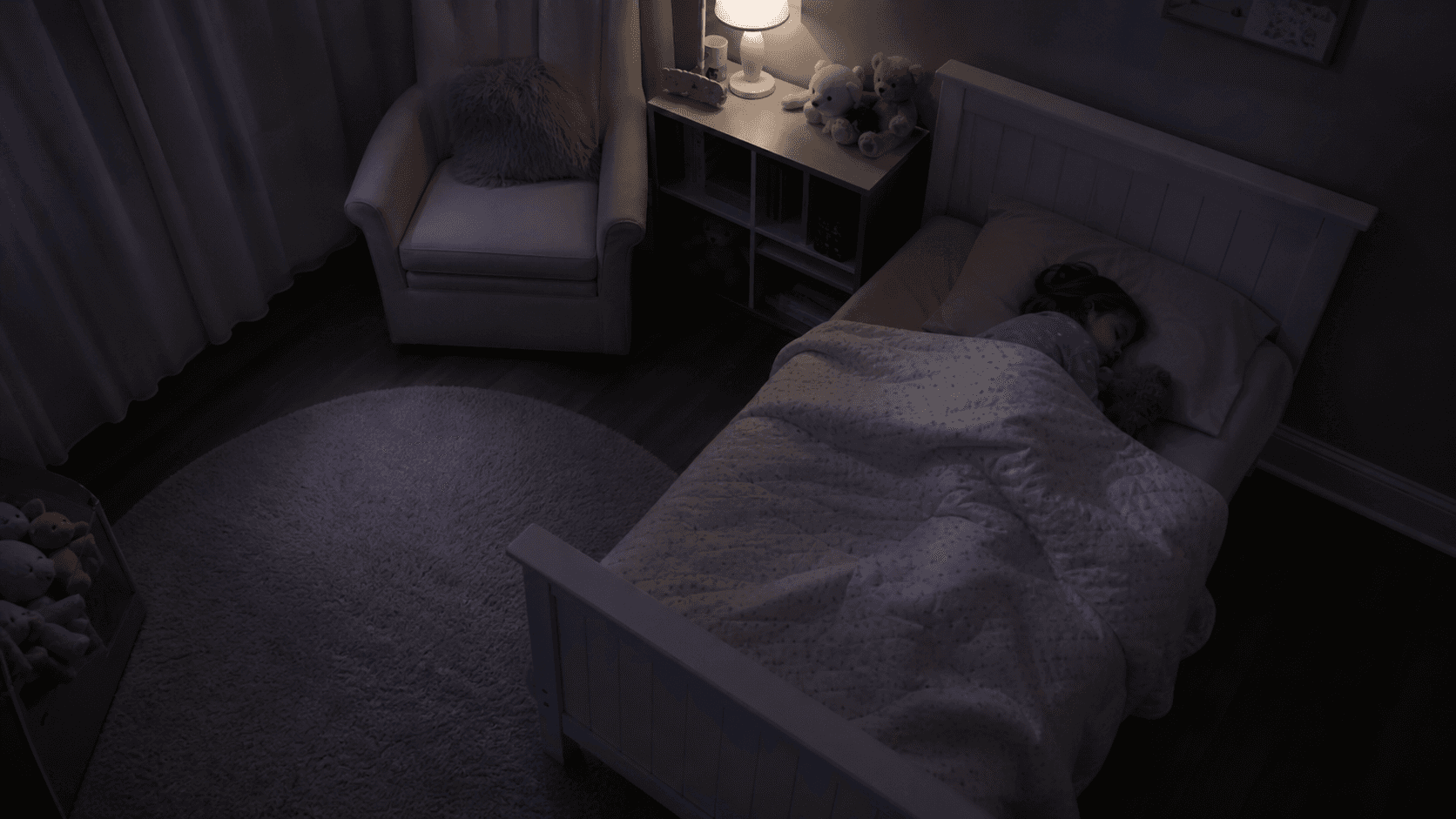
Watching Over Someone You Love.
Use cameras you already own to watch for abnormal movement patterns that may need caregiver attention.
Product
MyGuardian is built for families who need practical overnight monitoring without buying into a closed hardware system. Connect a camera, focus the monitored area, and receive alerts when an abnormal movement pattern may need attention.
Existing cameras
No proprietary camera required.
Phones or tablets
Use a spare device when an IP camera is not available.
Secure pairing
Pair camera devices with a short, caregiver-approved code.
Use cases
MyGuardian is designed as assistive monitoring for families, not a diagnostic device. It helps caregivers notice patterns that may need attention across several real-world care situations.
Support overnight awareness when repetitive or unusual movement may need caregiver attention, without claiming to diagnose a seizure.
Help families keep watch for restlessness, bed exits, or movement changes while preserving a calmer home setup.
Focus monitoring around the bed, doorway, or room area so caregivers can respond when a loved one may be getting up unsafely.
Give parents, partners, and family caregivers a local alarm path when they need to sleep nearby but still be alerted.
Use higher-sensitivity profiles during periods when a loved one needs closer observation after a difficult day or care change.
Escalation chains can help the right people know when attention may be needed, even when one caregiver misses an alert.
How it works
The workflow is intentionally simple: connect, focus, monitor, alert, review.
Use an IP camera your family already owns, or pair an existing phone or tablet when a camera is not available.
A short pairing code links the camera device to the caregiver app without exposing the feed publicly.
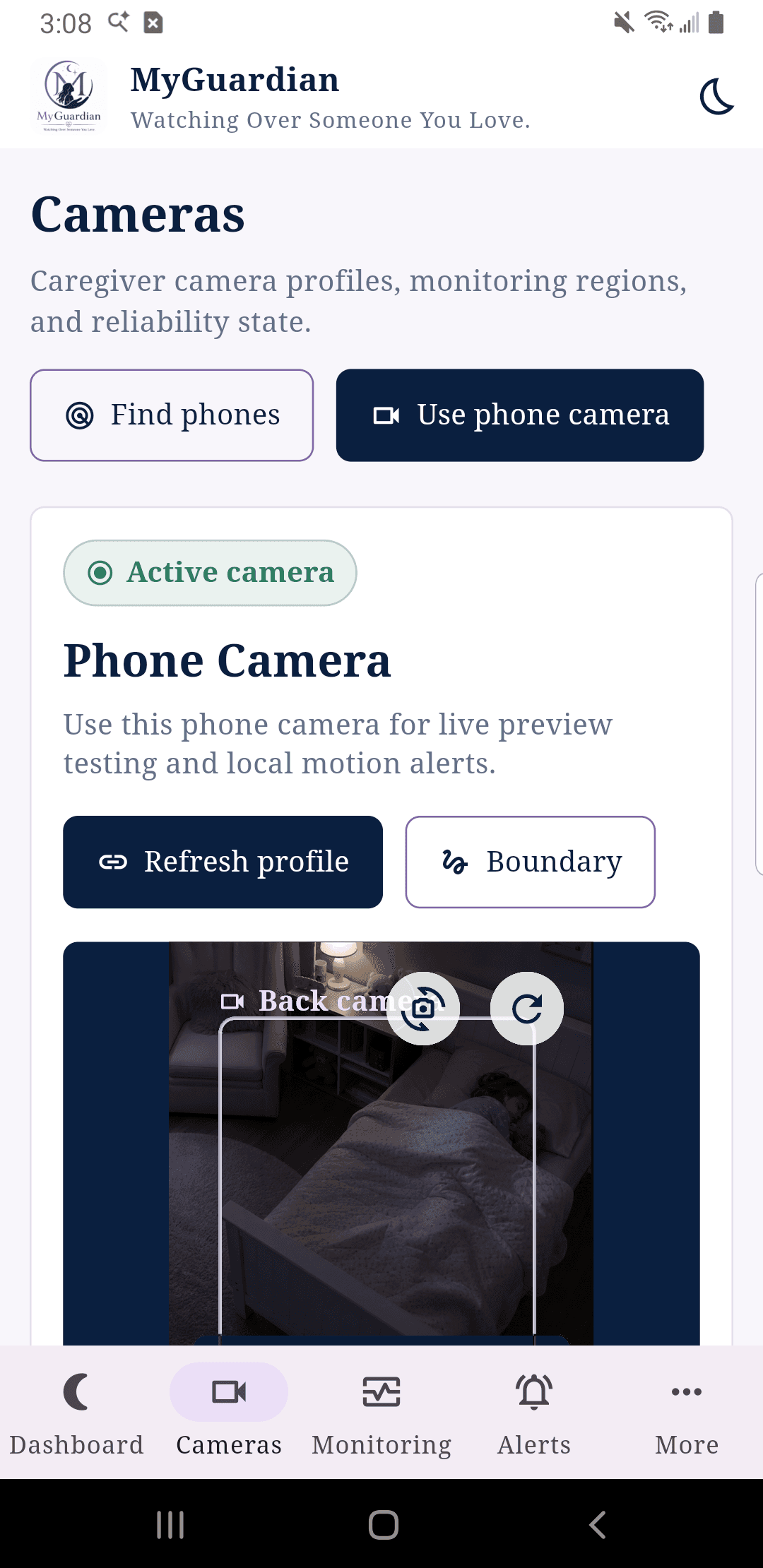
Draw a focused boundary around the bed or room area that matters most overnight.
MyGuardian follows sustained motion patterns and camera reliability without making medical claims.
Device alarms, text alerts, and email alerts help caregivers respond quickly.
Caregivers can review the timeline, journal context, and monitoring history later.
Apps
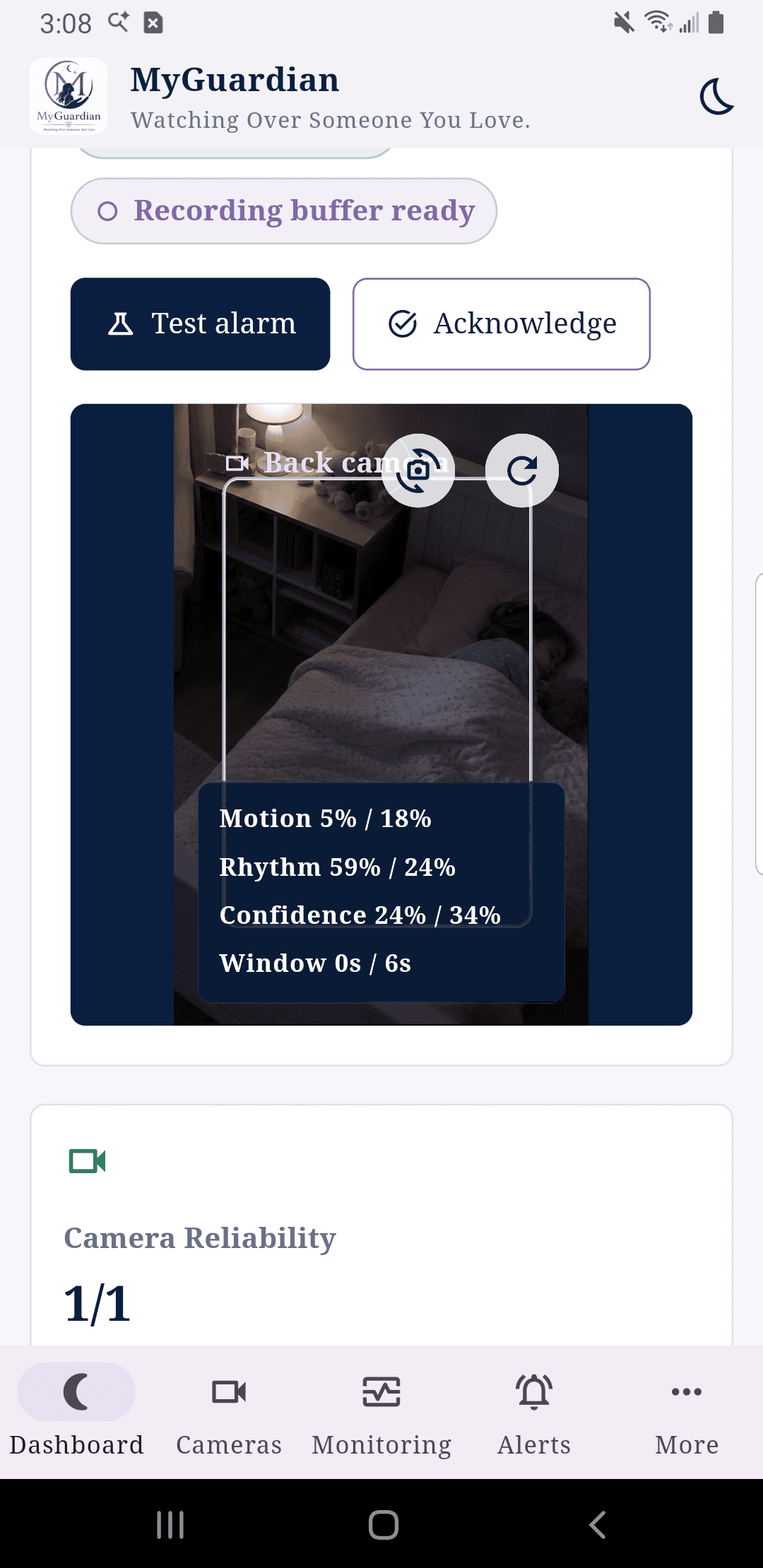
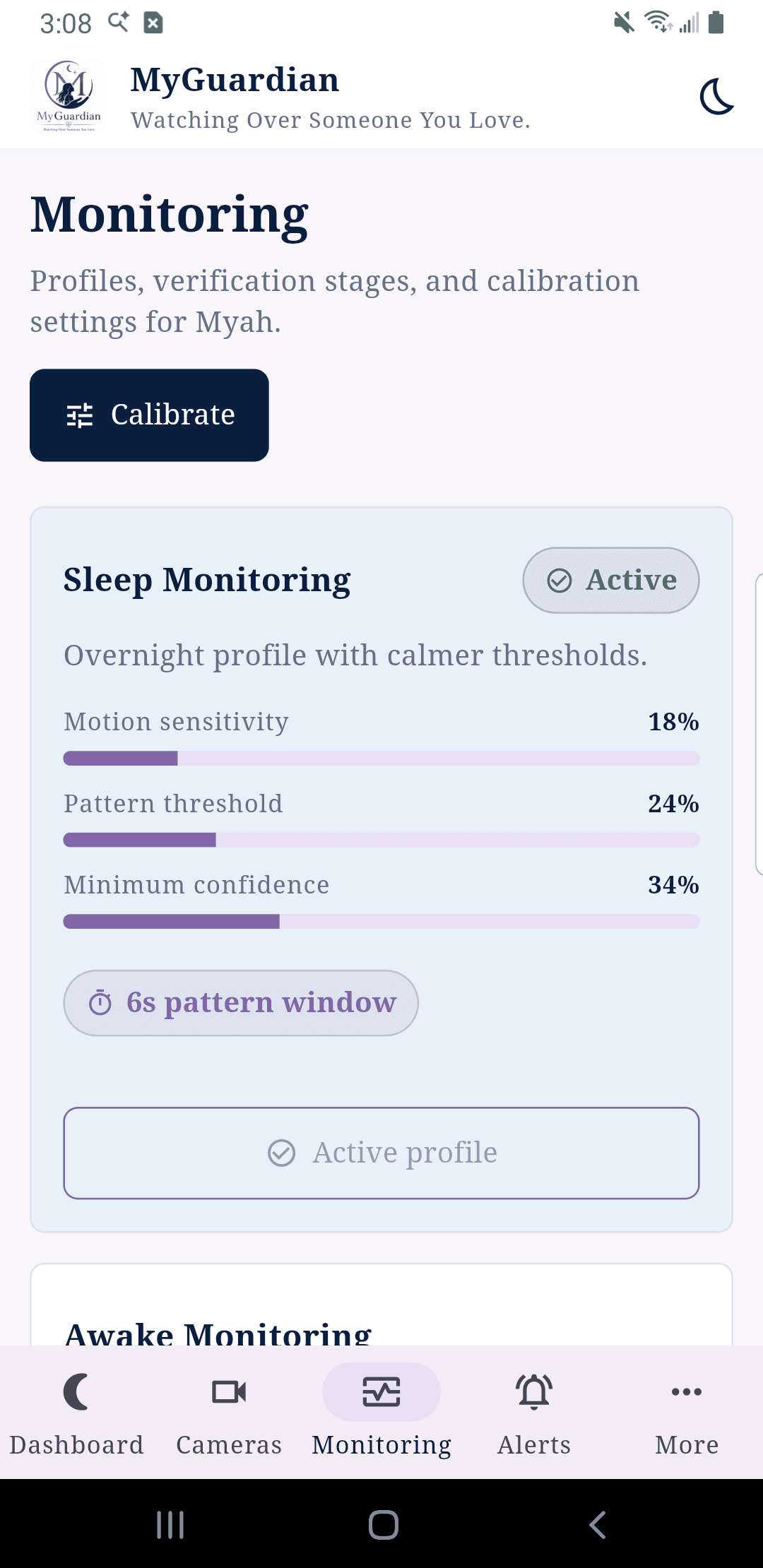
The Android screenshots below are captured from the local app on a connected phone, with the camera view replaced by synthetic MyGuardian imagery so no real camera footage appears.
Good night, Myah
Monitoring is active with local processing and caregiver-controlled history.
Sleep Monitoring Active
Focused boundary saved. 28s pattern window.
Motion
18%
Rhythm
24%
Confidence
34%
Features
MyGuardian is built around the things caregivers actually need at night: reliable feeds, focused monitoring, clear alerts, and reviewable history.
No proprietary camera requirement. Start with cameras your household already trusts, or use an existing phone or tablet as the camera.
A simple pairing flow is planned so phones, tablets, and caregiver stations can connect without public feed links.
A dedicated Windows station can monitor overnight with local alarms and camera health checks.
Use Android for mobile monitoring, sleep mode, and future phone-as-camera streaming.
Motion, rhythm, confidence, and sustained-window thresholds are tuned for review-worthy events.
Local alarms are designed to be loud, repeated, and dismissible when a caregiver acknowledges them.
The best version of MyGuardian is practical, affordable, and honest about what monitoring can and cannot do.
MyGuardian started from a real need in our family. My daughter has epilepsy, and one of the hardest parts is worrying about what happens when she is sleeping or when we are not in the same room.
Existing options felt expensive, restrictive, and locked into hardware we did not want. MyGuardian is our attempt to build something more flexible, affordable, and useful for families like ours.
Read the storyRoadmap
The roadmap starts with what families can test now, then expands into secure pairing, cloud alerting, Apple platforms, and a future camera option.
Platform coverage
MyGuardian starts with the Windows and Android apps families can test now, then expands into cloud alert delivery, Apple platforms, and a future MyGuardian camera option.
 MyGuardian Camera
Desktop monitoring station for overnight use, local alarms, camera health, and event review.
Mobile monitoring, sleep mode, local alerts, and phone camera streaming experiments.
Optional cloud delivery for text and email alerts, caregiver sync, and secure account features.
A calm desktop monitoring experience for households using Apple computers.
iPhone monitoring and caregiver review once the Android workflows are proven.
A warm, caregiver-friendly camera option for families who want a simple bundle.
Investor thesis
MyGuardian is positioned around a simple commercial thesis: start with the monitoring hardware families already own, earn trust with a local-first assistive product, then expand into cloud alert delivery, caregiver coordination, and optional hardware bundles.
Initial wedge
Windows + Android local monitoring
Revenue path
Cloud alerts and caregiver coordination
Hardware posture
Camera-agnostic first, bundle later
Trust posture
Assistive language, local-first defaults
sales@myguardiancam.com
The business focus is early product validation: caregiver setup success, alert acknowledgement behavior, repeated household use, and willingness to pay for remote notifications.
Families need overnight awareness, but current options often force expensive hardware, narrow workflows, or clinical claims that do not match everyday caregiver reality.
The initial product uses existing cameras, spare phones, and local processing to prove retention and alert behavior before adding paid cloud services.
Platform growth moves from Windows and Android into cloud alert delivery, Apple platforms, caregiver teams, and an optional branded camera bundle.
Privacy
MyGuardian is being built around local monitoring first. Cloud features should exist to help caregivers, not quietly take ownership of family data.
Monitoring starts on the device whenever possible.
Retention, review, and alert behavior stay explicit.
MyGuardian is an assistive monitoring and alerting tool. It is not a medical device and does not diagnose, prevent, or treat medical conditions.
Text and email alerts are meant to notify, not overwhelm.
FAQ
Clear expectations matter, especially when the product lives close to family safety.
No. MyGuardian is an assistive monitoring and alerting tool. It can alert on abnormal movement patterns that may need attention, but it does not diagnose, prevent, or treat medical conditions.
Early access
Join the list for Windows, Android, macOS, or iOS updates. We will keep the language plain, the setup practical, and the claims honest.